The whole feature list. Not a teaser.
No “Pro” badge hiding in here. This is what v1.6.0 ships with, screenshots included.
Import from your old app
Export your data from your old expense-splitting app, point ccount at the file, and it rebuilds your groups, members, and expense history. Before it commits to anything, it shows you a balance-by-balance comparison against your old export — so you know the numbers match before you trust them with real money.
- Universal CSV import
- Automatic group and member reconstruction
- Balance verification against your original export
- One-tap undo — reverts the entire import, not just the last step
- Re-import as many times as you need to get it right
Splitting
Four ways to split. One tap to do it.
Every real-world splitting scenario covered. Choose how each expense divides — equal, exact, percentage, or shares. Mix payers, exclude members, or keep an expense entirely personal.
- Equal splits
- Exact amount splits
- Percentage splits
- Share-based splits
- Multi-payer expenses
Groups
Unlimited groups. Nobody gets added without asking.
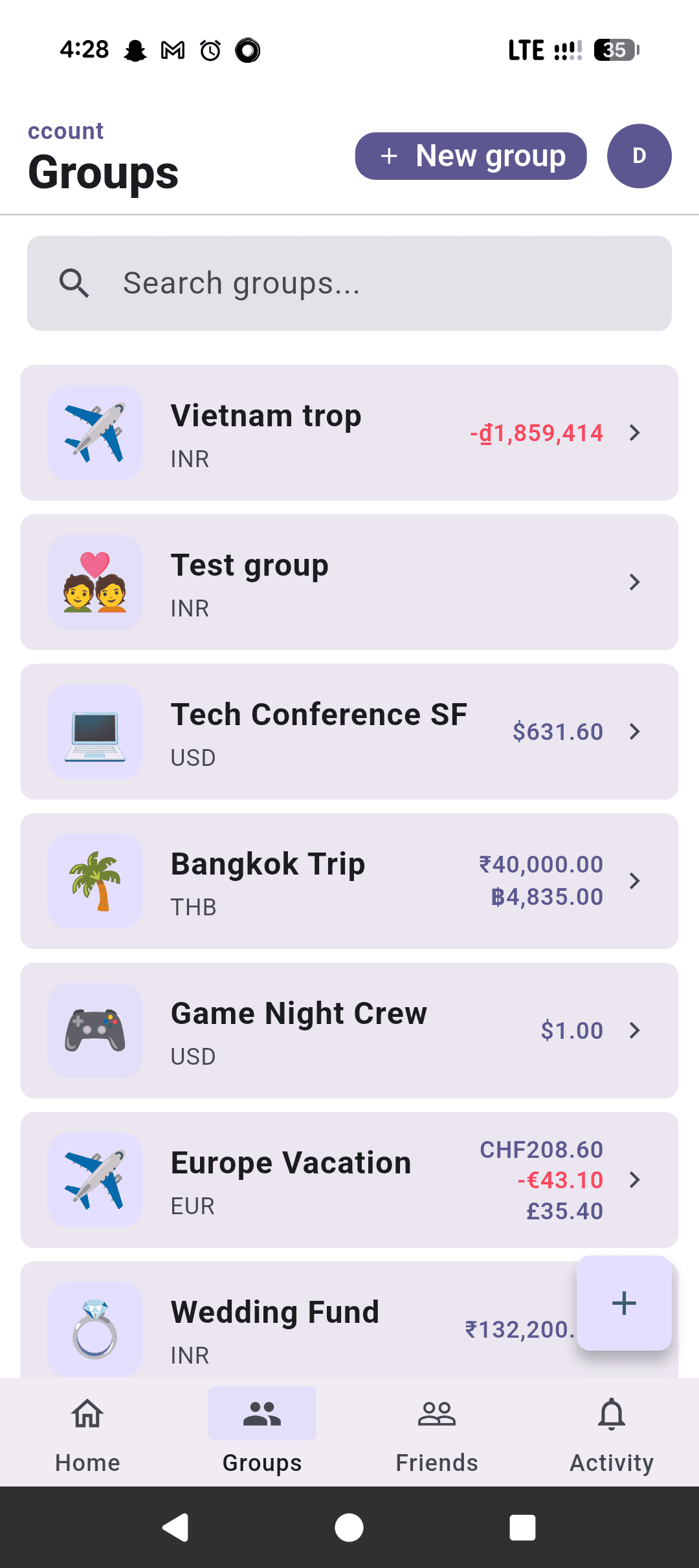
Create as many groups as you need — trips, households, teams, events. Invites show a preview before anyone joins, and ignoring one doesn't trigger a chase. Archive when done; data stays forever.
- Unlimited groups with emoji
- Multi-currency per group
- Invite preview before joining — see the group before you commit
- Ignore an invite with zero follow-up nagging
- Member roles (admin/member)
Money
150+ currencies. Live rates. Reminders that know when to stop.
Track expenses in any currency, settle in another, and let SmartSettle reduce the total number of payments across the group. When someone owes you, a reminder goes out — capped so it never turns into spam. Every rate is logged for historical accuracy.
- 150+ world currencies with live exchange rates
- Rate snapshots for historical accuracy
- Debt simplification (SmartSettle) — fewest payments, same result
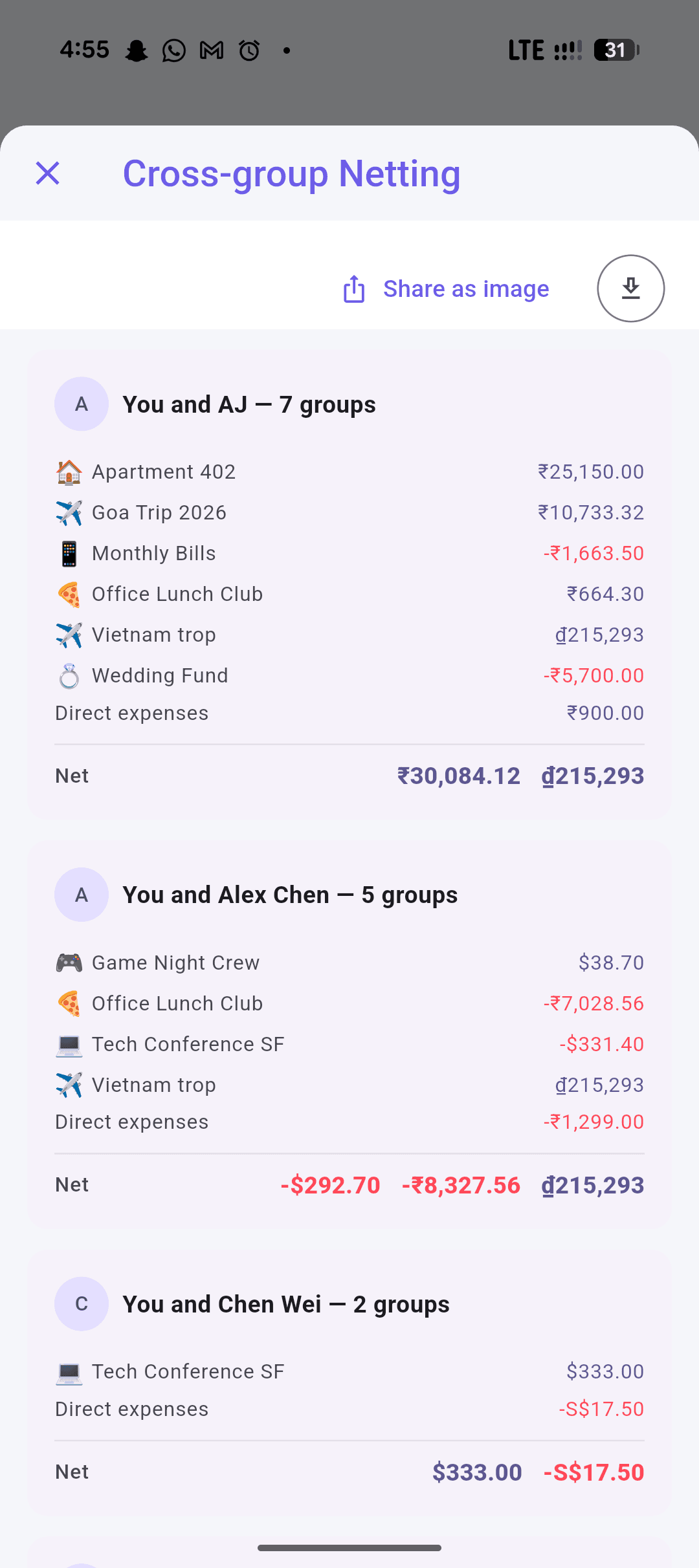
- Cross-group netting — combine what two people owe across every shared group
- 3 settlement modes
Tracking
Every expense. Categorized, tracked, and never truly gone.
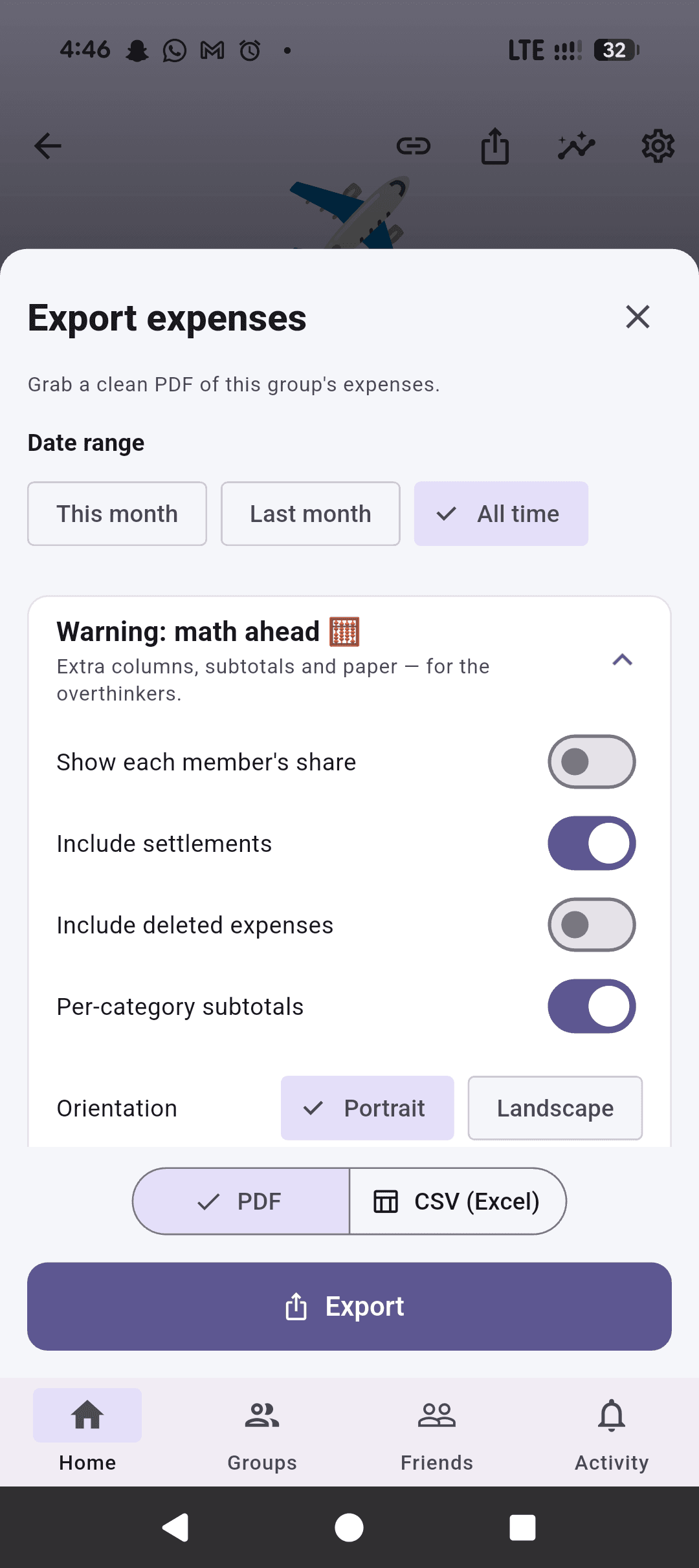
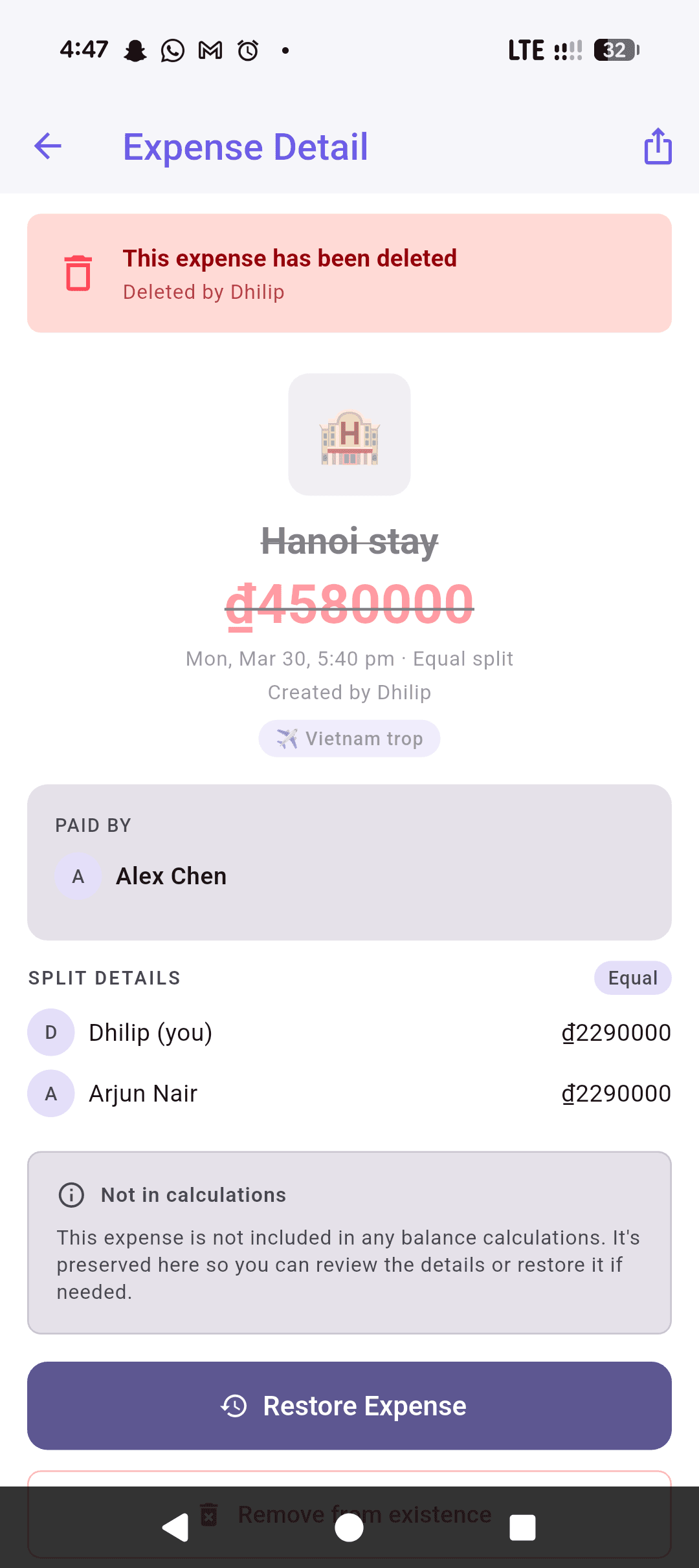
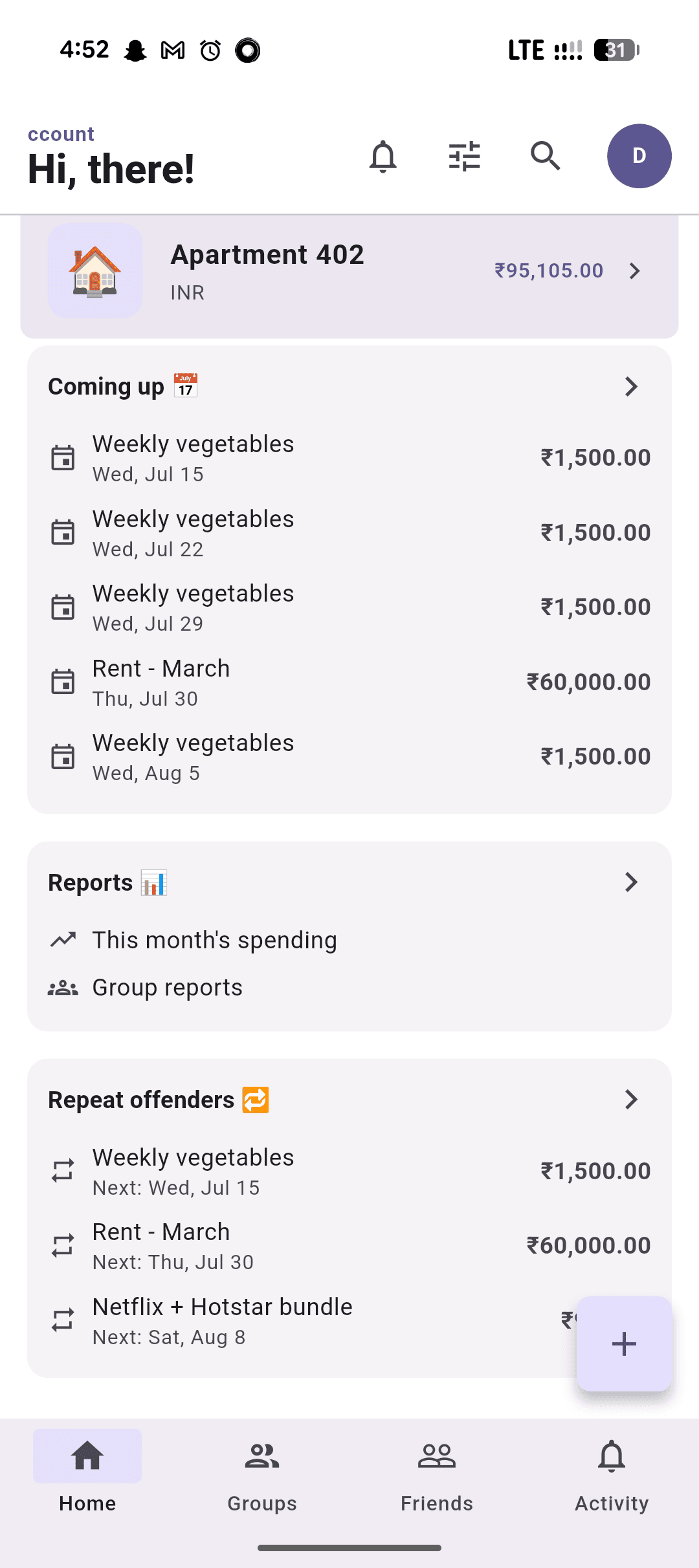
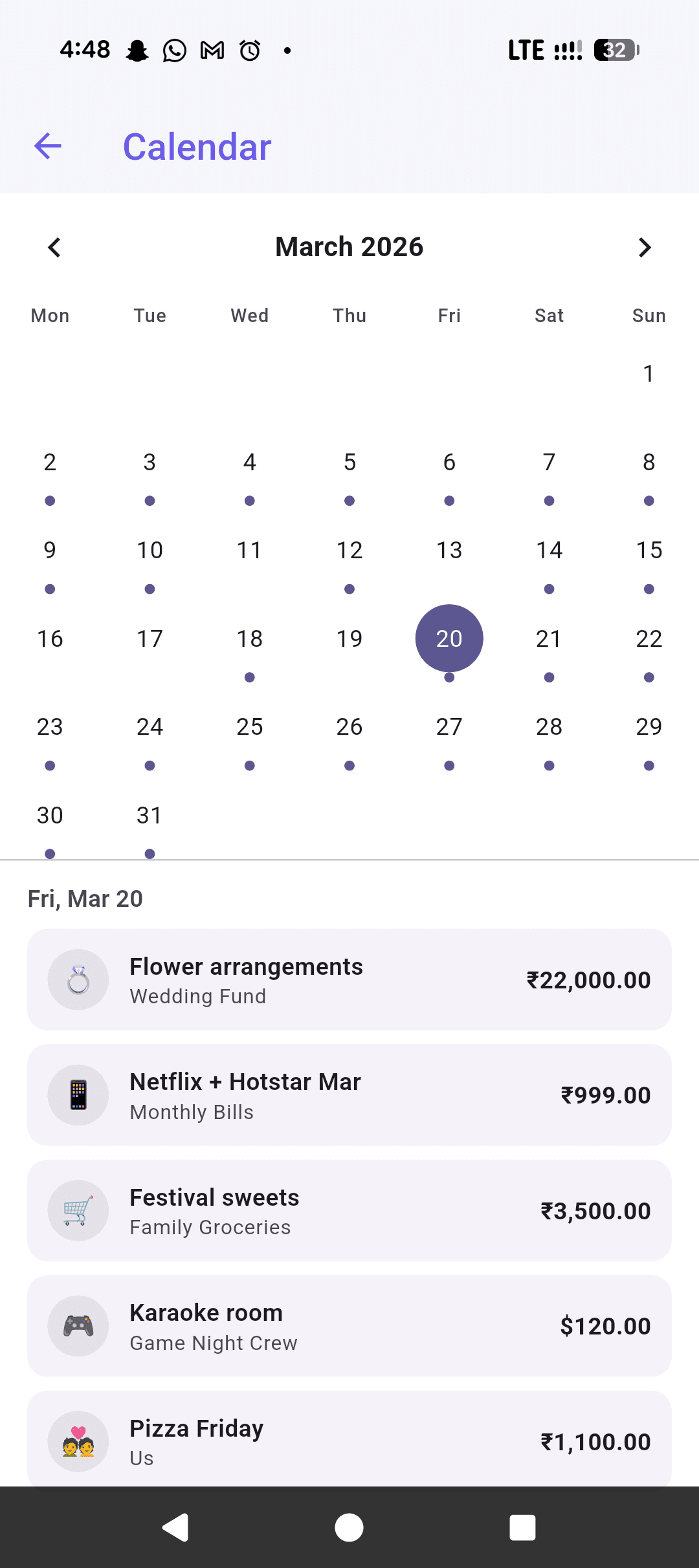
Full audit trail for every expense — who added it, who changed it, and what changed. Delete something by mistake? It's recoverable, not gone. Categories, comments, editable recurring schedules, and an activity feed keep everything transparent.
- Custom categories with emoji and color
- Editable recurring expenses (weekly/biweekly/monthly/yearly) — change or cancel a series without losing its history
- Deleted expenses are recoverable, not erased
- Expense comments and discussions
- Full activity feed with audit trail
Budgets
Set it. Track it. Never overspend — or do, we're not the boss of you.
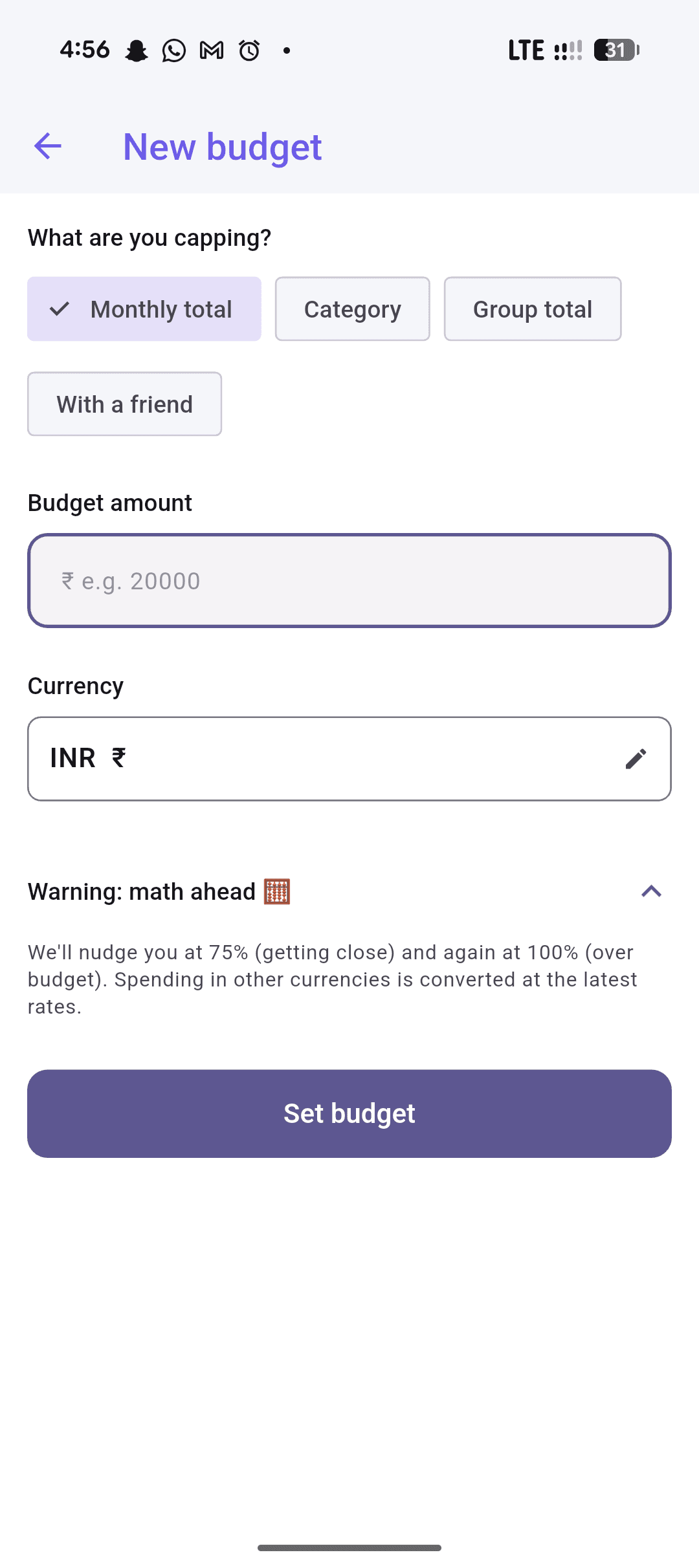
Set budgets at every level — personal, group, category, or per member. Visual progress bars turn amber as you approach the limit and red when you exceed it. They warn you; they don't stop you.
- Personal private budgets
- Group budgets
- Per-category budgets
- Per-member budgets
- Budgets with a specific friend
Social
Add anyone. Even if they don't have the app.
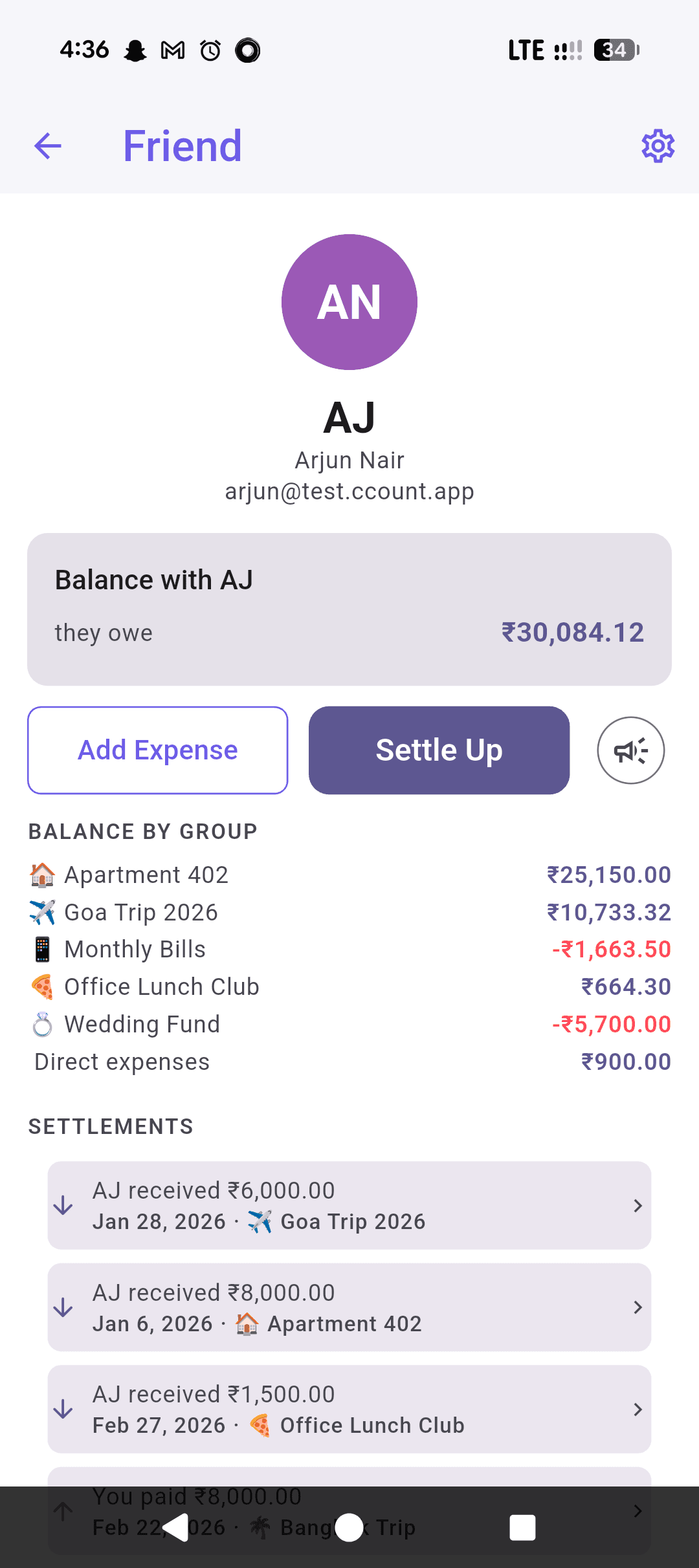
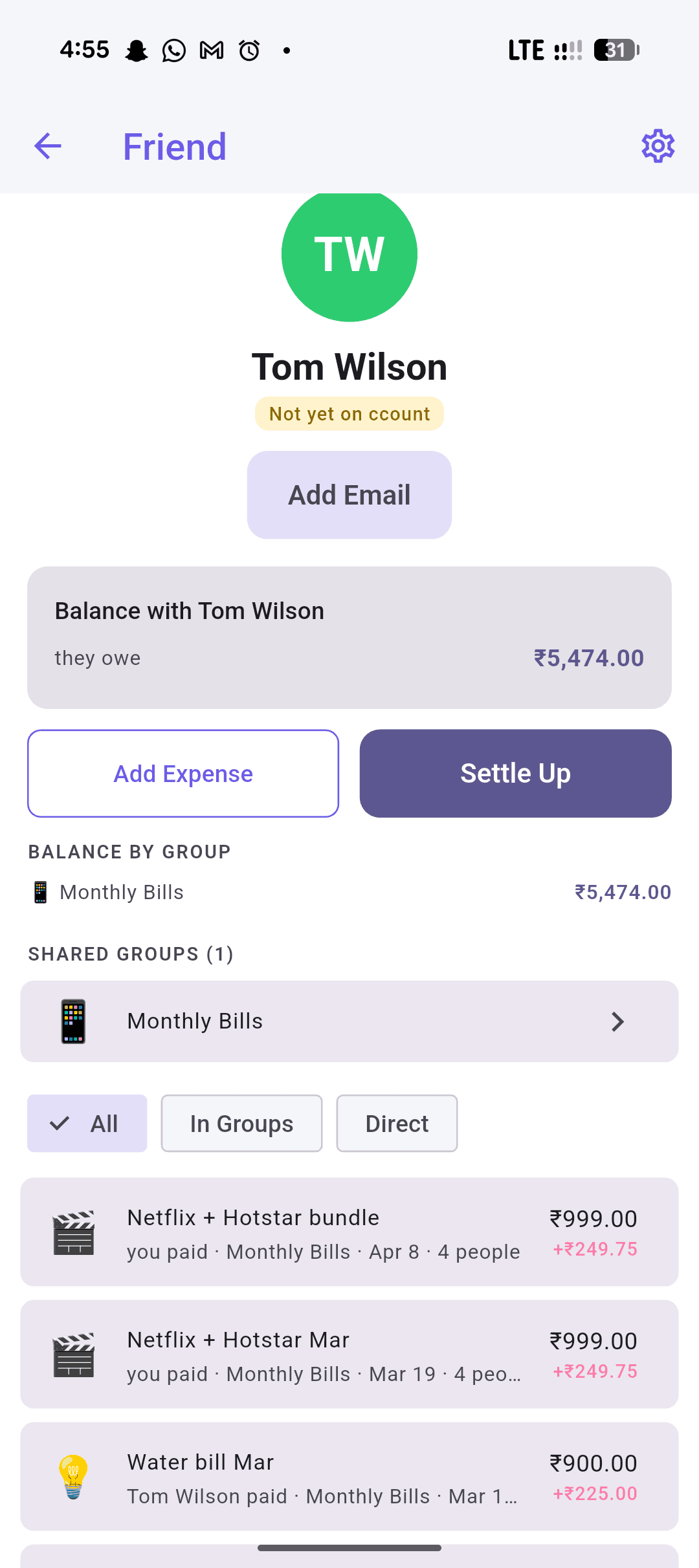
Invite friends by email, phone, or link. Add people who haven't joined yet as placeholders — track their share and let them claim it when they sign up. Nobody gets pestered into anything.
- Friends via email/phone/profile code
- Friend requests
- Placeholder members (auto-merge on signup)
- Private friend nicknames
- User blocking
Reports
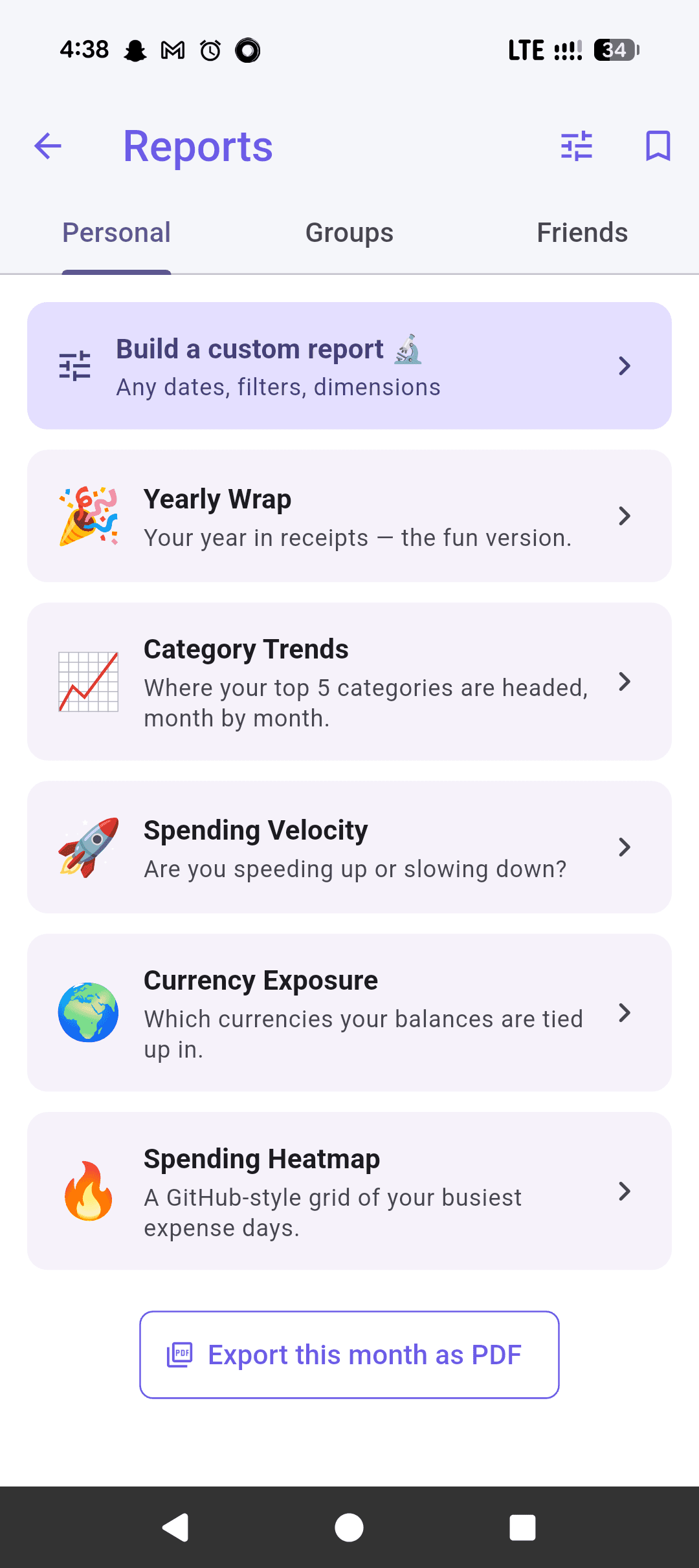
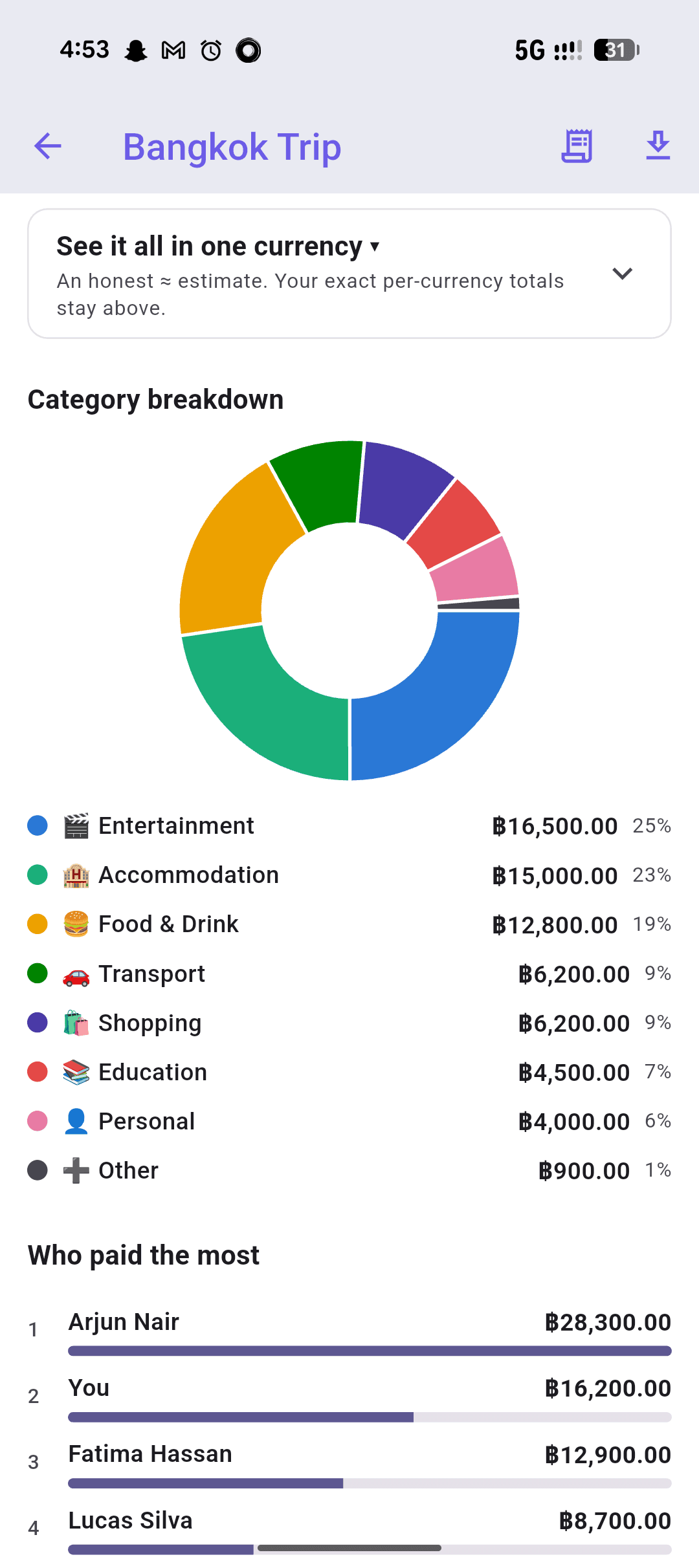
From a pie chart to a full-blown spreadsheet obsession.
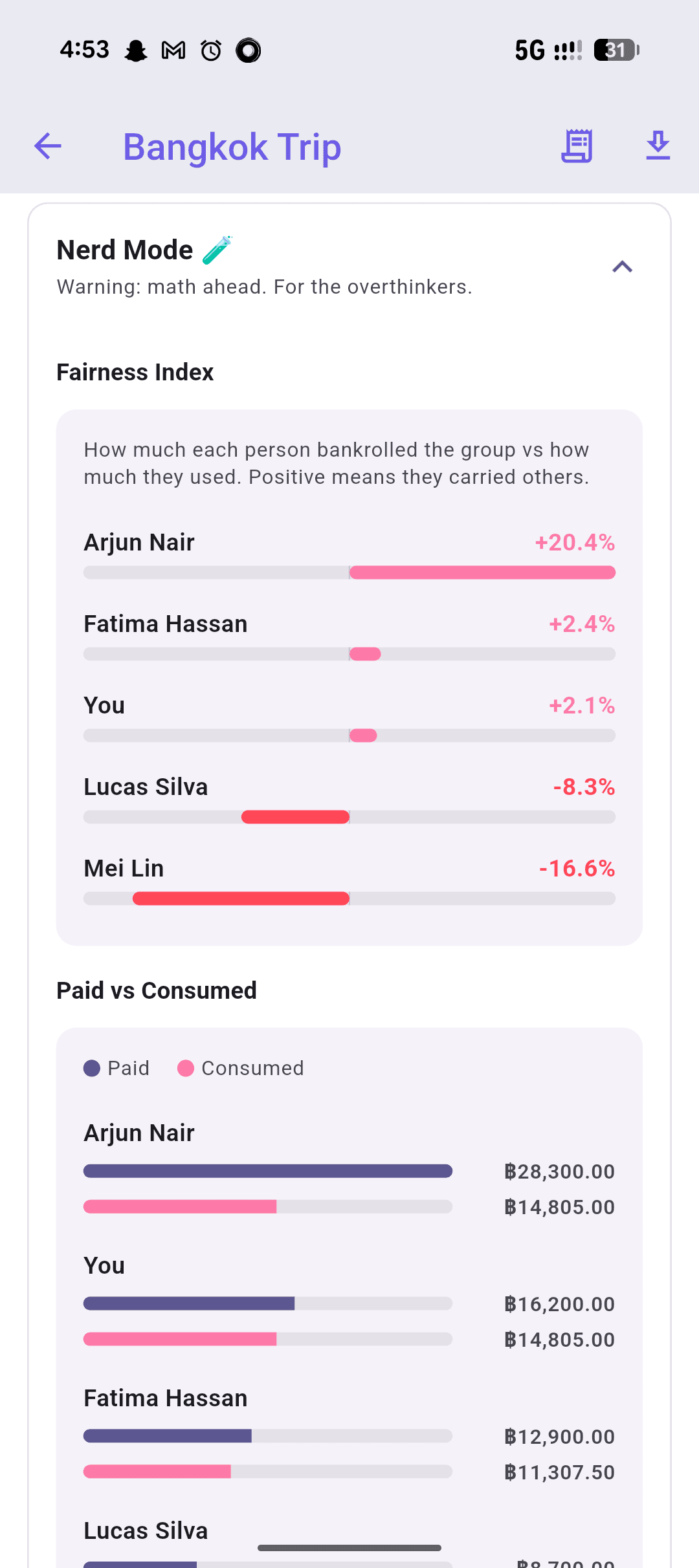
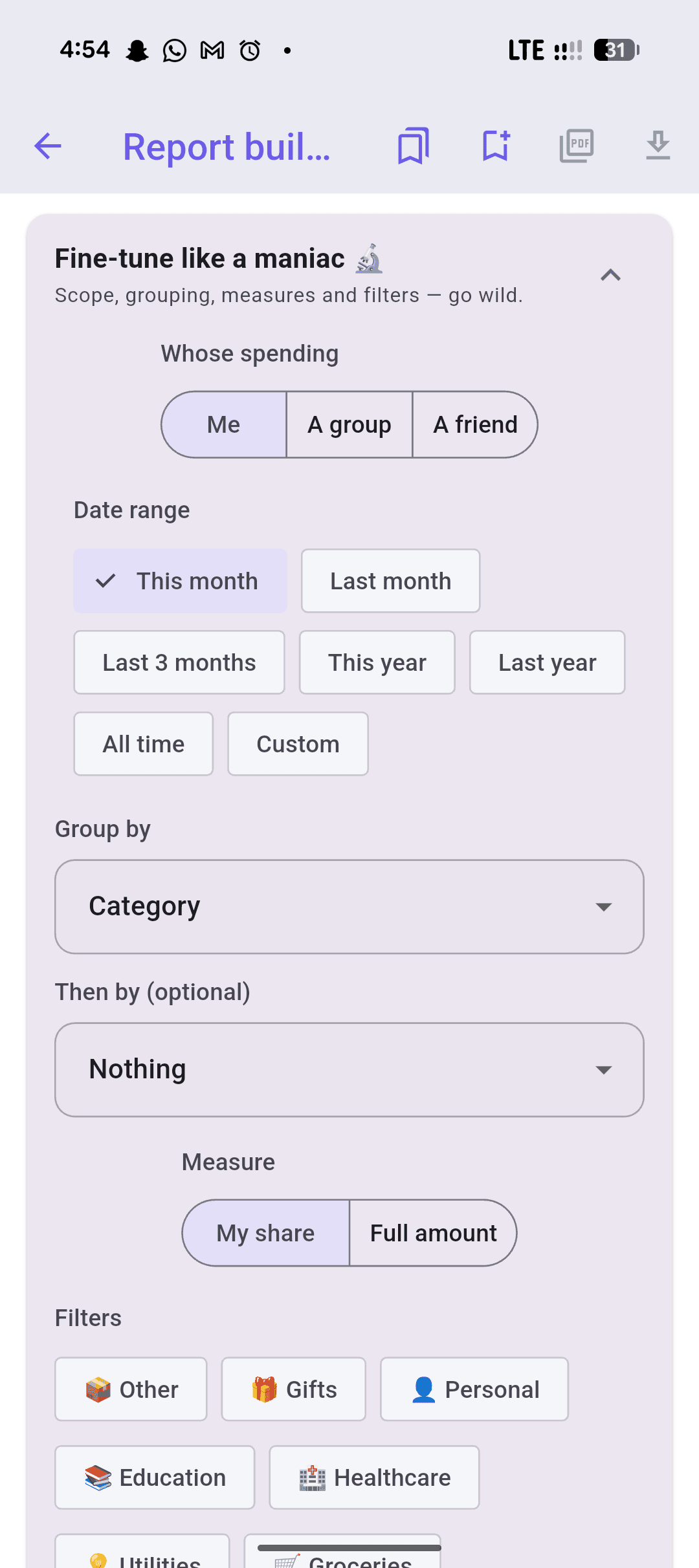
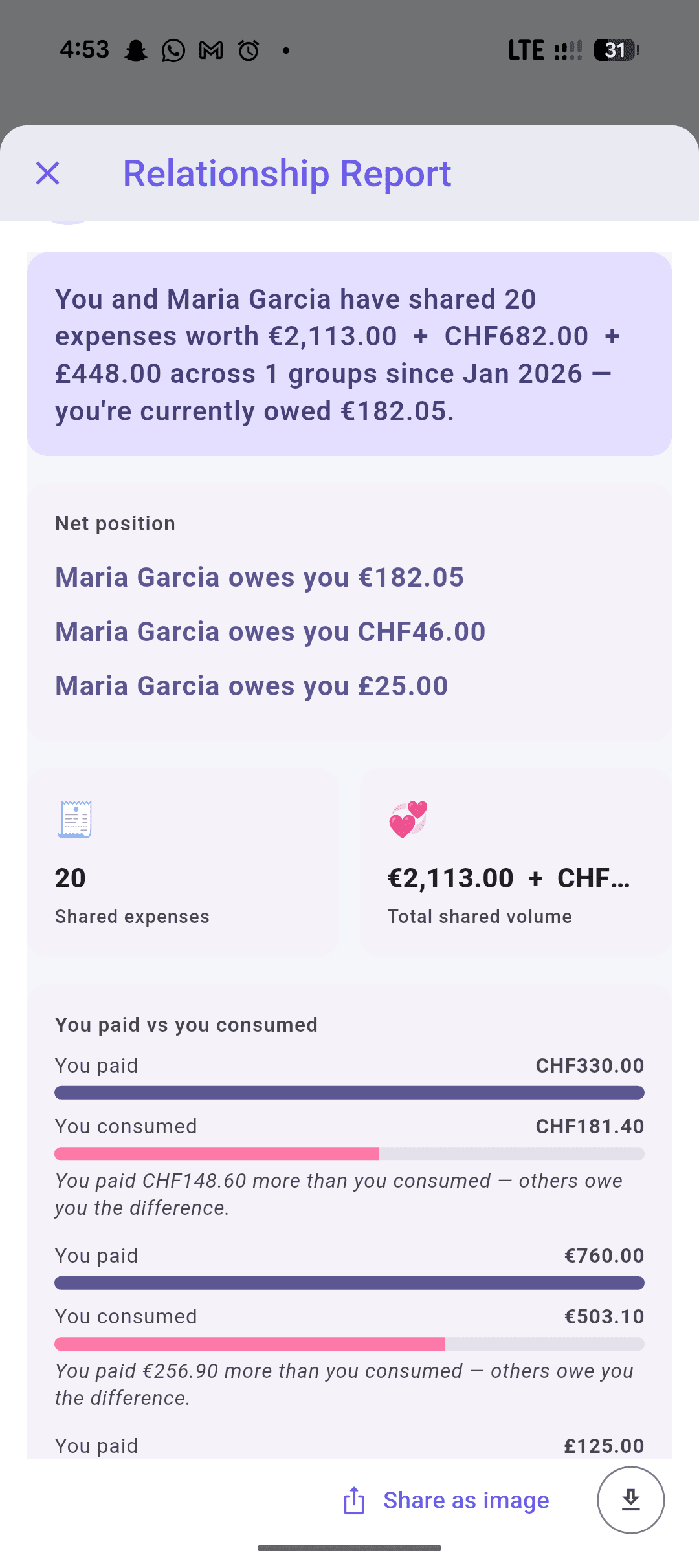
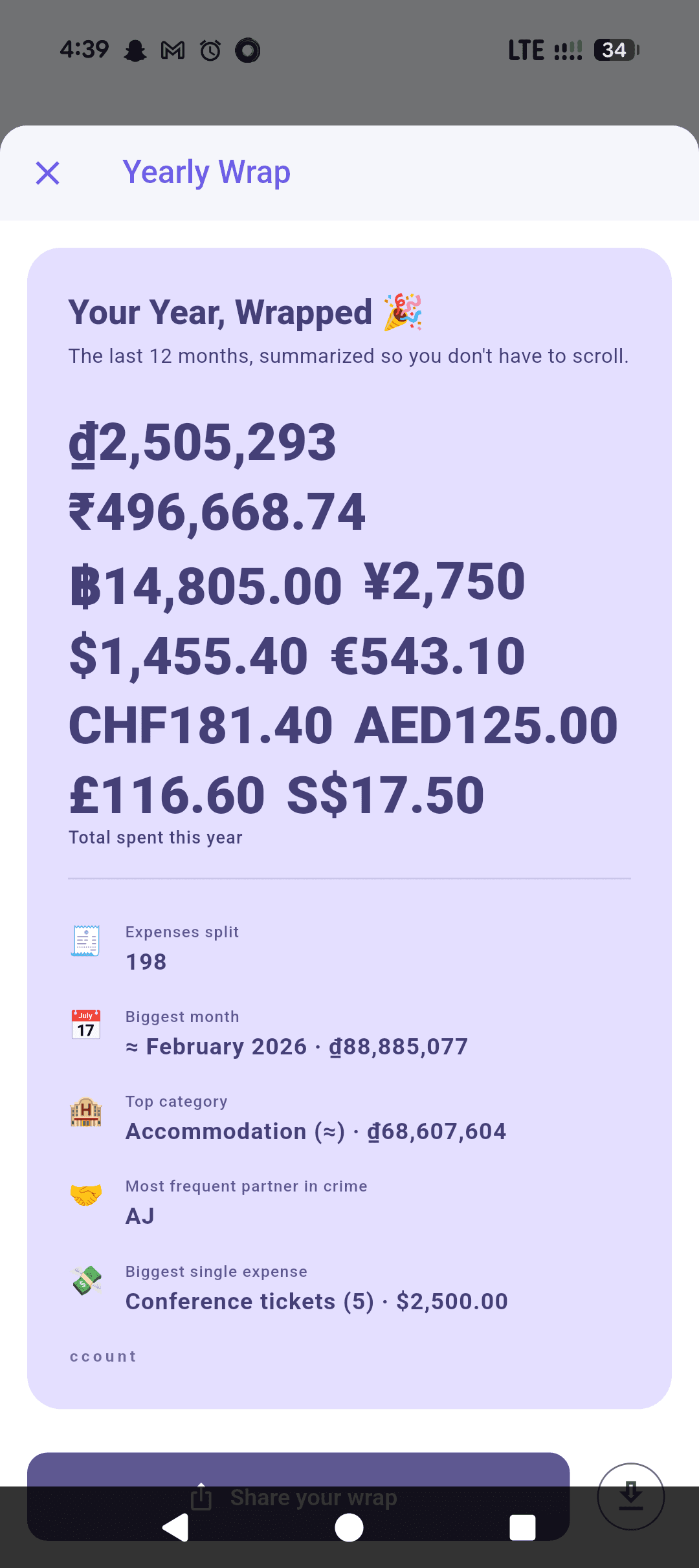
Glance at a category breakdown, or go deep with a report builder that lets you group, filter, and export exactly the slice you need. There's a Yearly Wrap if you just want the highlights, and a "Nerd Mode" fairness index if you want to know exactly who bankrolled the trip.
Platform
Works everywhere. Even with your phone in airplane mode.
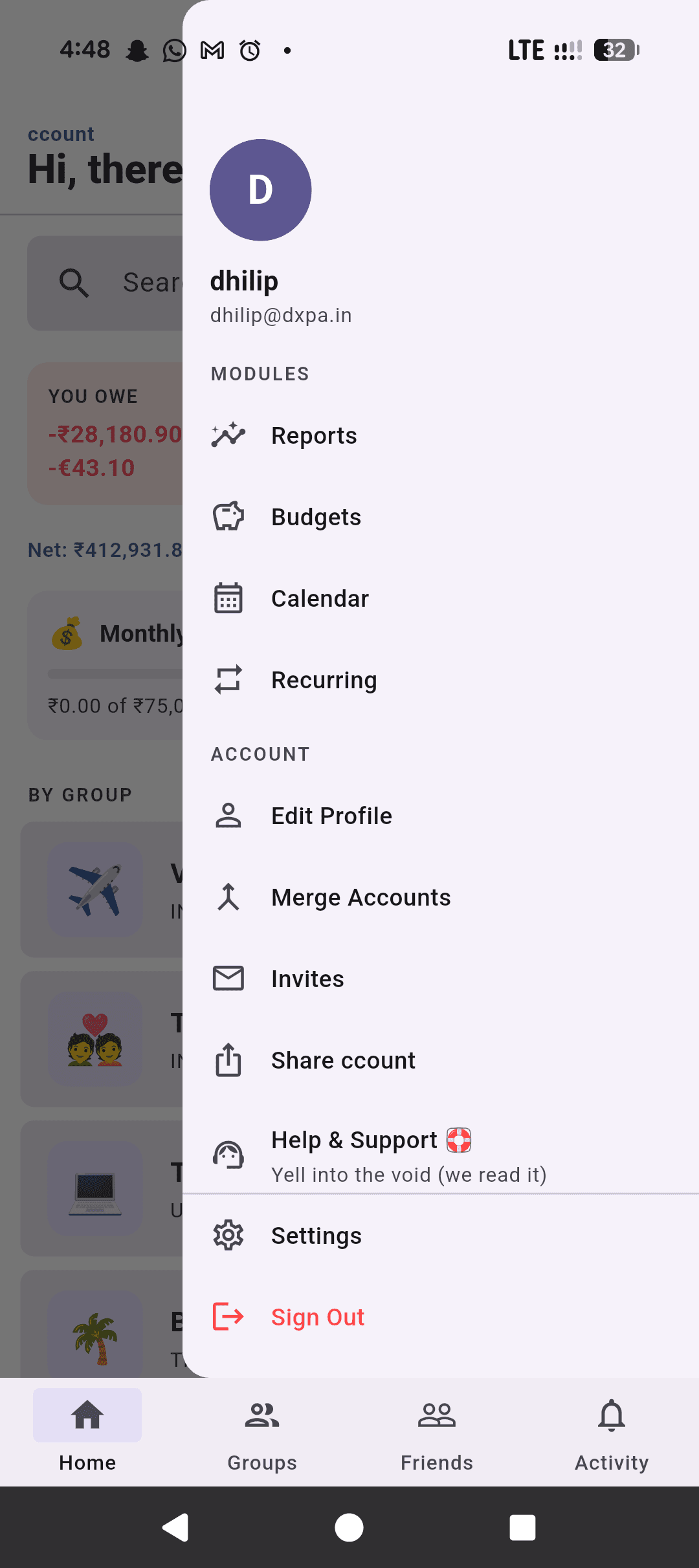
Offline-first means expenses save instantly regardless of connection — no spinner, no "waiting for network." Reply to a payment notification without opening the app. Rearrange your home screen with up to 5 modules so the things you actually use are one tap away.
- Offline-first — add expenses with zero internet, syncs when you're back
- Quick-reply to notifications without opening the app
- Customizable home screen — up to 5 modules, your choice of order
- 20 languages
- Biometric login with session timeout
Ready to split?
Download ccount and start splitting expenses the right way — free, forever.